
01. Hero & Intro
Remove backgrounds with a single API call.
Ecommerce sites, web apps, and internal tools can send product images to the Cutly API and receive clean, transparent PNG results in seconds.
1 credit per image · No credit card to start · Works with cURL, Python, Node


- ~5 secaverage response
- High accuracyclean & detailed cutouts
- Batch processinghandle hundreds of images
- Easy integrationuse with any language via HTTP
02. Developer Quickstart
Integrate in minutes with a simple API request.
Send an image, get a transparent background — all with a single API call. Upload returns 202 queued, then poll GET /api/v1/background-removal/{id} until completed. Here's a quick example to get you started.
curl -X POST \ https://api.cutly.io/api/v1/background-removal \ -H "Authorization: Bearer b9_your_key" \ -F "image=@product.jpg" \ -F "output_format=png" \ -F "background=transparent" \ -F "foreground_mode=main_product" \ -F "preserve_shadow=false" \ -F "quality=high" # Poll until completedcurl https://api.cutly.io/api/v1/background-removal/{id}In the browser you can call the relative path /api/v1/… — it proxies to the API automatically. Each image spends 1 credit. Create an API key
Integrate Cutly API into your web app or ecommerce system in 5 simple steps.
From upload to a transparent PNG, Cutly handles the entire background removal process via a single API call. Here's how it works inside your application.
- Customer or admin uploads product photoUpload product imageJPG, PNG, WebP (Max 10MB)
 A customer or your admin uploads a product photo from your web app or dashboard.
 - Your web app sends image to Cutly APIPOST /api/v1/background-removalcurl -X POST \ -H "Authorization: Bearer b9_your_key -F "image=@product.jpg"Your server or frontend sends the image to Cutly using a simple API call with your API key.
- AI removes backgroundBeforeCutly's AI automatically detects the product and removes the background with high accuracy.
- Transparent PNG returns to your app
 PNGresult.png1024 × 1024 · TransparentA clean, high-quality transparent PNG is returned in the API response to your app. Poll until completed, then read result_url.
 - Save to product gallery or publish listingPublish ProductSave the transparent image to your product gallery or automatically publish it to your store or marketplace.
- Custom ecommerce stores
- Seller dashboards
- ERPs & internal tools
- Mobile apps
Build background removal into your workflow.
Cutly's API fits seamlessly into your existing tools, platforms and processes. Whether you're a store owner, developer or agency, it helps you save time, maintain consistent image quality, and scale effortlessly.
- Ecommerce storesAuto-clean product uploads and keep your catalog consistent.
- MarketplacesStandardize seller photos across thousands of listings.
- Web & mobile appsAdd background removal as a feature in your product.
- Bulk catalog toolsProcess many images at once with fast, reliable results.
- Agencies & studiosSpeed up product editing for multiple clients.
- Internal admin systemsSave your team time with automated image cleanup.
Works for every product category
From fashion to electronics, Cutly handles all types of product images.
- Perfume
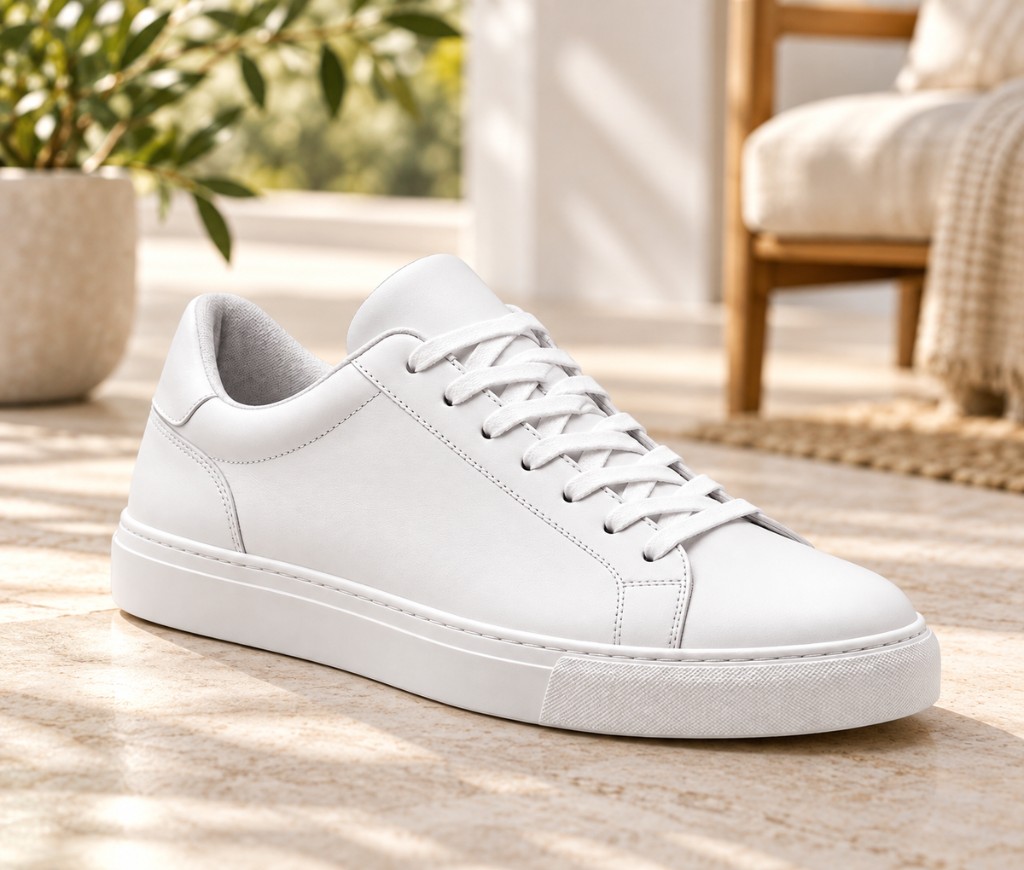
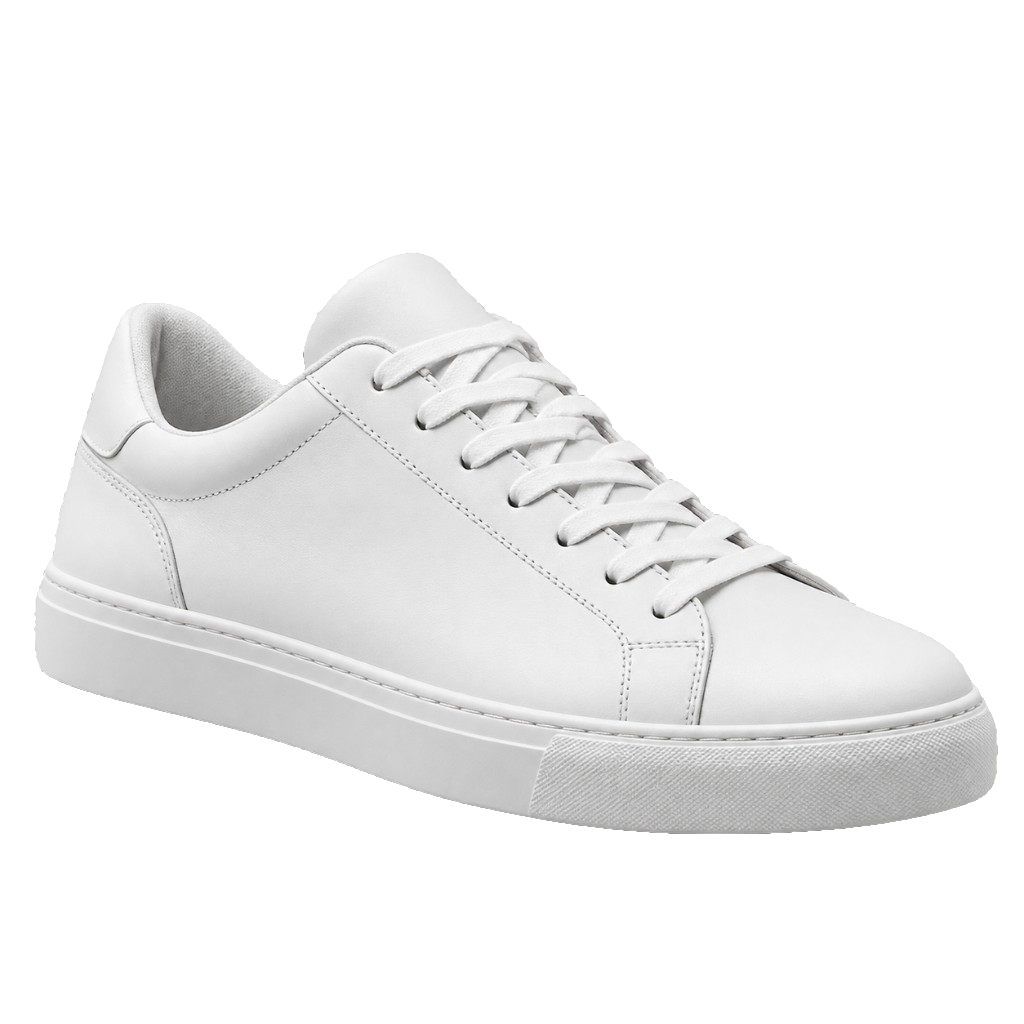 Sneaker
 Skincare
- Handbag

 Sunglasses
 Headphones
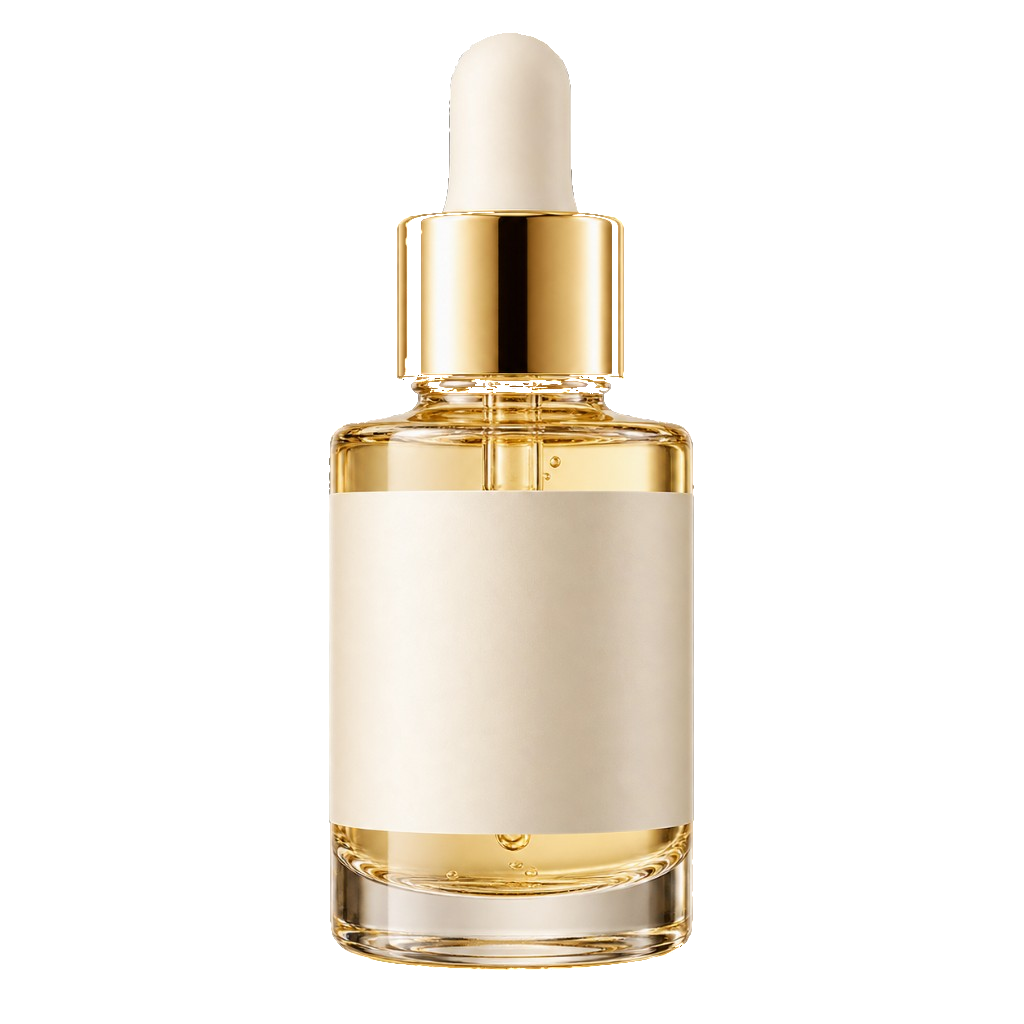 Serum
Serum
05. Reference
API endpoint reference
Everything you need to integrate background removal into your app, website or ecommerce store. Simple requests, clear responses, and developer-friendly.
Base URL
https://api.cutly.io
Browser apps can call the relative path /api/v1/… — it proxies automatically.
1. Remove background
POST/api/v1/background-removal
Remove background from a single image and get a clean, transparent PNG.
Multipart upload. Returns 202 with { id, status: 'queued' }. Poll the job status endpoint until completed, then read result_url.
Authentication
Include your API key in the request header.
Authorization: Bearer b9_your_key
Request
| Parameter | Type | Required | Description |
|---|---|---|---|
| image | File | Yes* | Product image. PNG, JPG, or WebP, max 25 MB. |
| output_format | String | No | png, webp, or avif. Default png. |
| background | String | No | transparent, white, black, color, image, blurred. Default transparent. |
| background_color | String | No | Hex #RRGGBB. Required when background is color. |
| background_image | File | No | Second image. Required when background is image. |
| foreground_mode | String | No | main_product or all_products. Default main_product. |
| preserve_shadow | String | No | true or false. Default false — product only. |
| quality | String | No | standard, high, maximum. Default high. |
curl -X POST https://api.cutly.io/api/v1/background-removal \
  -H "Authorization: Bearer b9_your_key" \
  -F "image=@product.jpg" \
  -F "output_format=png" \
-F "background=transparent"{ success: false, error: { code, message } }. See for the full list.All API endpoints
Complete list of available endpoints for integration.
Choose the API plan that fits your volume.
Every plan is free while Cutly is in beta — no credit card required. Upgrade or downgrade anytime.
Starter
Great for testing and small projects.
$0 / month
500 images / month
Free during beta
- Transparent PNG output
- Batch processing (up to 10)
- API access
- Standard support
- Most Popular
Growth
Perfect for growing businesses.
$0 / month
5,000 images / month
Free during beta
- Transparent PNG output
- Batch processing (up to 100)
- API access
- Priority support
- Usage analytics
Business
For high-volume teams and apps.
$0 / month
20,000 images / month
Free during beta
- Transparent PNG output
- Batch processing (up to 500)
- API access
- Priority support
- Usage analytics
- Higher rate limits
Enterprise
Custom solutions for large-scale needs.
$0 / month
Custom image limits
Free during beta
- Transparent PNG output
- Unlimited batch processing
- Full API access
- Custom rate limits
- Dedicated support
- SLA & onboarding
1 credit = 1 image · Compare all plans
Everything developers need to integrate fast.
Comprehensive documentation, ready-to-use examples and practical resources to help you integrate Cutly in minutes. Clear guides, code examples and support for every use case.
curl -X POST https://api.cutly.io/api/v1/background-removal \ -H "Authorization: Bearer b9_your_key" \ -F "image=@product.jpg" \ -F "output_format=png" \ -F "background=transparent"Simple. Fast. Production ready.
BeforeAfterOfficial SDKs & Integration Options
Use our official examples or integrate with any HTTP client. Get started with your preferred technology.
- PythonSee the Python example
- Node.jsSee the Node.js example
- PHPSee the PHP example
- JavaScriptSee the fetch example
- cURLAny HTTP client
- HTTP / OtherREST API (JSON)
Integration Resources
Step-by-step guides and practical resources to help you build, test and deploy with confidence.
- API DocumentationComplete endpoint reference, parameters, response formats and error codes.Read the Docs
- Authentication GuideLearn how to generate and manage your API keys, set permissions and keep your integration secure.View Guide
- Polling & Job StatusPoll until completed, handle queued, processing and refining states, and read result_url with confidence.Read Guide
API questions, answered
Keys, credits, polling, and limits — the four things developers ask about most.
How do I get an API key?+
Log in, open the dashboard, and create a key under API keys. The raw key (b9_…) is shown once — copy it immediately. The server stores only a hash.
How do credits work?+
Each uploaded image spends 1 credit from your account. Without credits the API returns 402 INSUFFICIENT_CREDITS. Usage per key shows up under GET /api/v1/usage.
How do I know when a job is done?+
Upload returns 202 with status queued. Poll GET /api/v1/background-removal/{id} until completed or failed. queued, processing, and refining all mean the worker hasn't finished.
What are the limits?+
Uploads default to 60 requests per minute per API key. Exceeding it returns 429 with Retry-After: 60. Polling job status never counts toward the limit. Images must be PNG, JPG, or WebP up to 25 MB.
Your next listing-ready image
is seconds away.
Upload once, Export transparent, white, or branded images — perfect for your store, marketplace and ads.
- No signup required
- High quality cutouts
- Works with any product
- Ready for ecommerce